
Holding a location
"Holding" is what StealthPin calls keeping the iPhone at a spot that isn't where it really is. While it holds, every app on the phone sees the fake location: Find My, Maps, the weather, all of them.
Appear somewhere
Pick a spot by searching or by tapping the map, then tap Appear Here. The phone is there straight away.
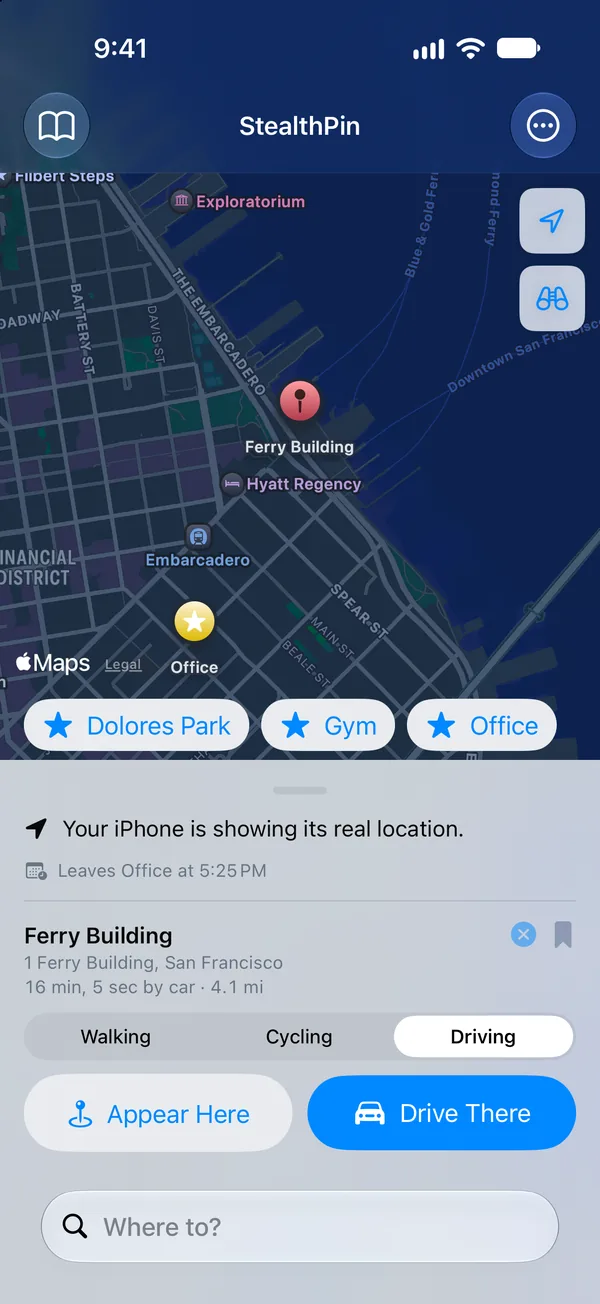
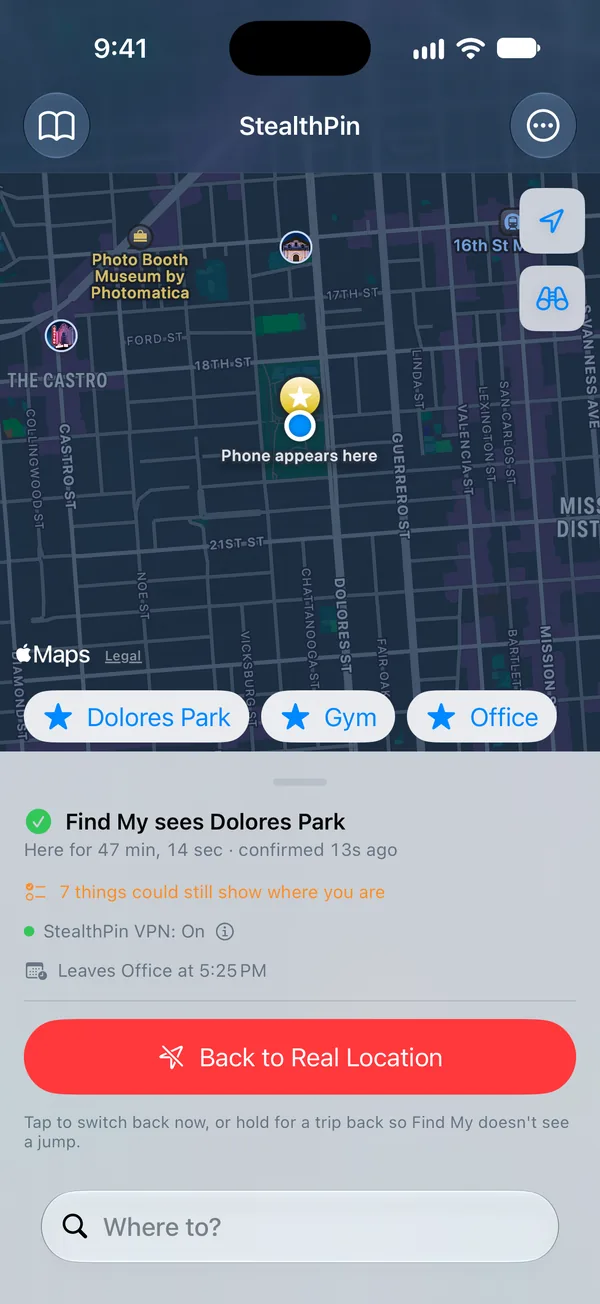
While it holds, StealthPin keeps sending the location to the phone every few seconds, with a small wander of a few meters, the way a real GPS reading drifts even when a phone sits still on a desk. If a send fails, the status line says so, and that the real location may be showing until the next one gets through.
Travel there
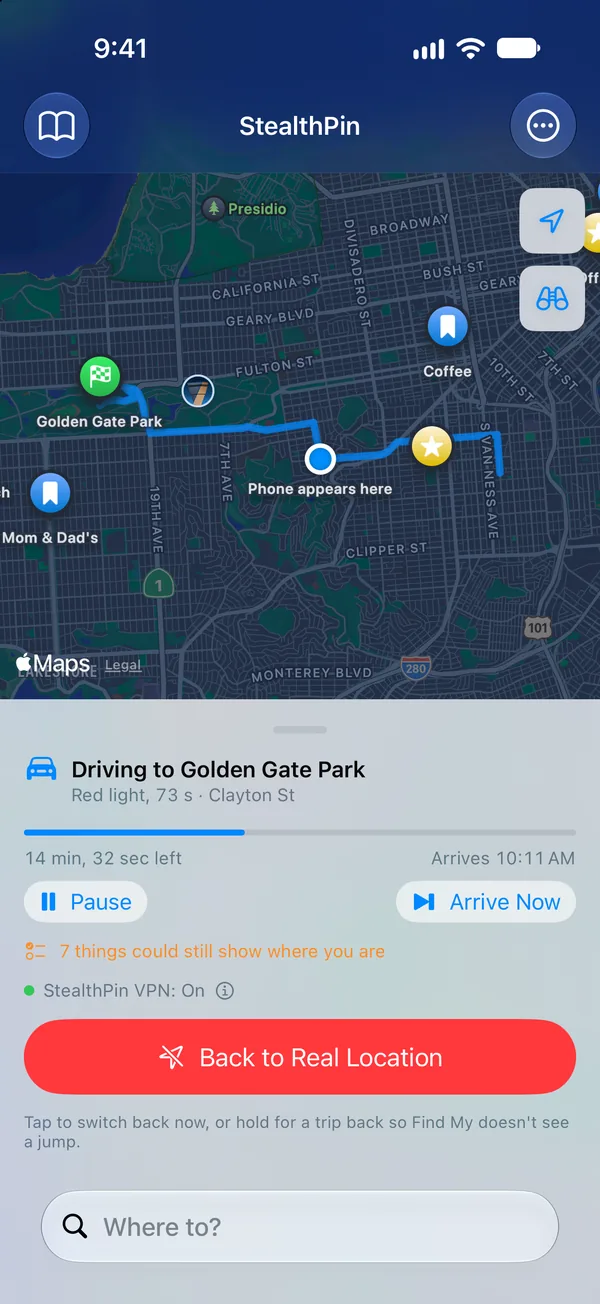
For anything more than a short hop, appearing out of nowhere is the easiest fake to spot. So you can travel instead: on foot, by bike or by car. StealthPin follows Apple Maps' real route and takes as long as Apple Maps says the trip takes.
Drives aren't one steady speed. Highways, main roads and side streets each get their own speed, and the car slows for turns and waits at red lights and stop signs.
- Arrive Now skips to the end of a trip.
- When you're heading back, Snap Back Now does the same for the return.
Back to Real Location
Back to Real Location stops everything at once: any trip, the drift, and the fake location itself. It's the red button in StealthPin, the button on the Lock Screen while holding, and something you can ask Siri for.
If you'd rather not reappear at home from nowhere, hold the button instead, and StealthPin travels you back first.
It keeps going in your pocket
You don't have to keep StealthPin open. It plays silence underneath your other audio and asks for rough location updates, which keeps iOS from suspending it. After a phone call or Siri, it starts the silence again on its own.
It's still an app, though, and iOS can close it to free memory. If that happens while it was holding, the next time you open StealthPin it tells you, and offers Hold That Spot Again.
After a restart
Restarting the iPhone always ends the fake location, along with the developer tools it lives in. Open StealthPin once afterwards and it puts those tools back (it needs the internet for this, because Apple signs them for each phone), and then you can hold a spot again.